


5 easy steps to your first referral
We've onboarded specialist teams across regions, from solo practices to large hospitals. Here's exactly what to expect.
Already set up?
If your practice is already receiving referrals on Vula and you just want to receive referrals too, jump ahead to requesting permission.
01
Choose your referral form
Every receiving practice on Vula receives different information via forms that are filled in by sending health professionals. Browse the list of carefully designed forms and choose the one you need.
Browse forms
View full screen
02
Get in touch
Fill in the form to tell us what we need to know to onboard your practice. We'll come back to you within one working day. For any other help, contact us.
03
Onboard your team
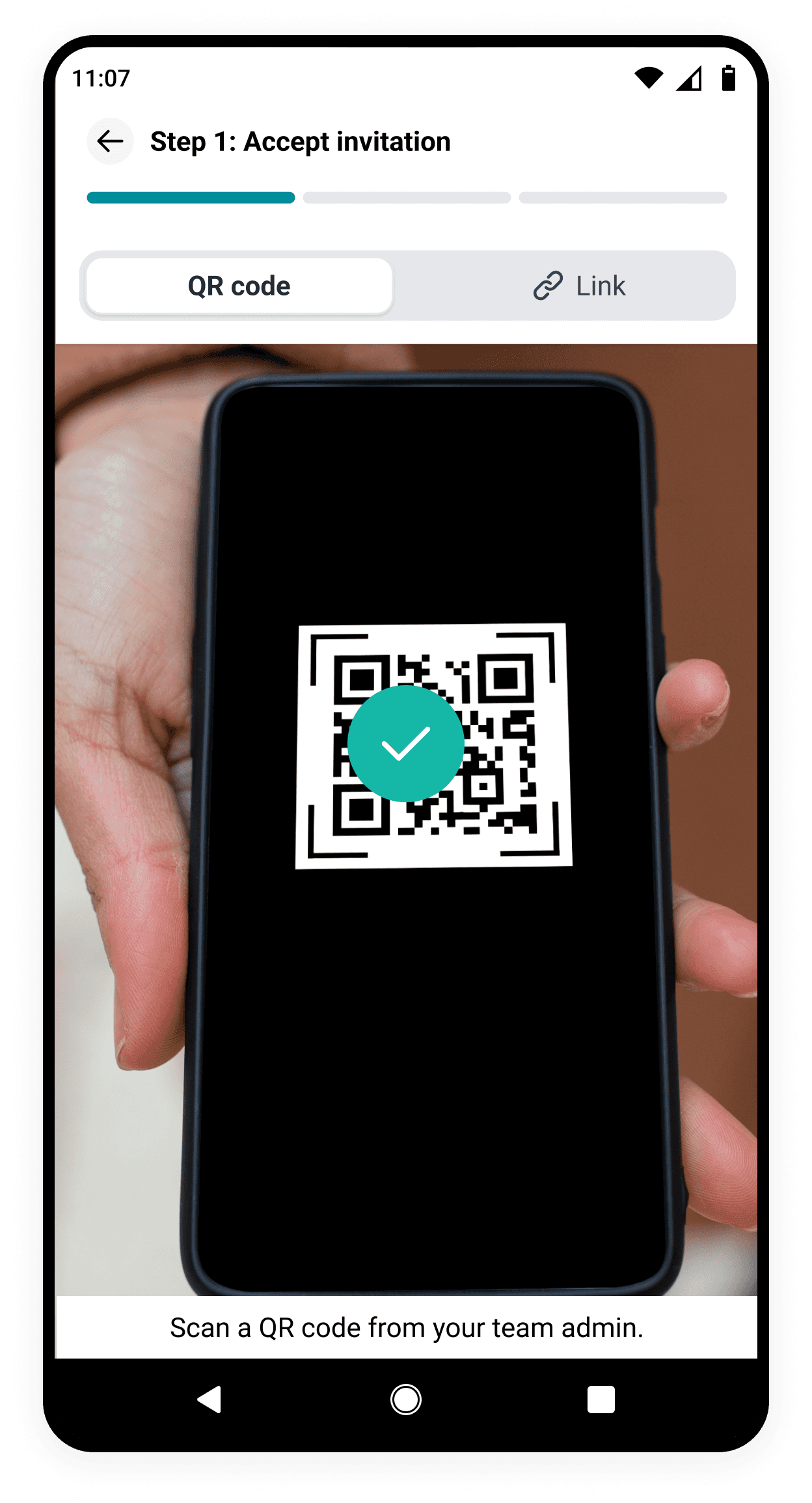
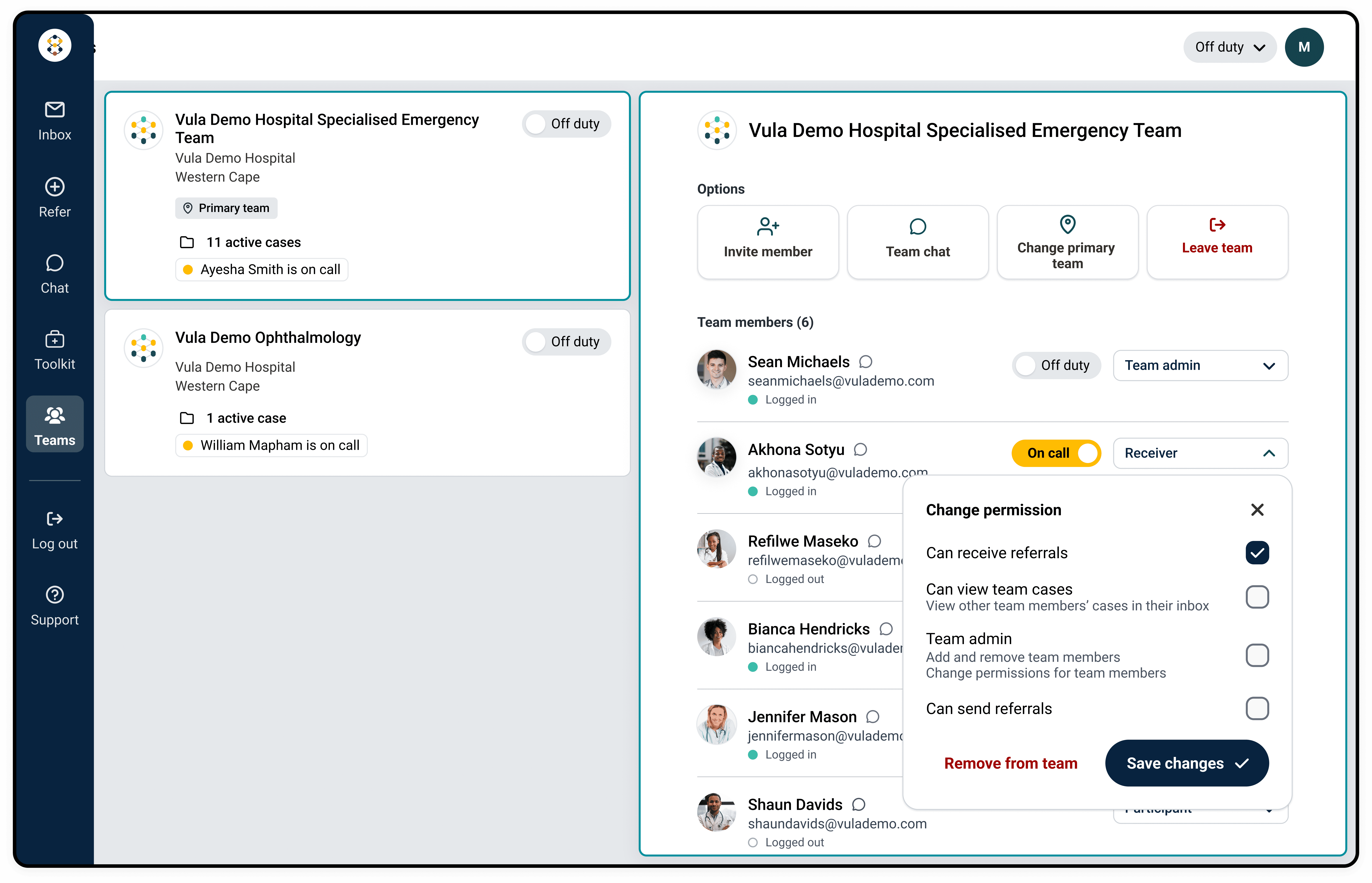
Easily add team members and manage their permissions directly via the app or web. Each team member gets their own login, with flexible permissions for consultants, registrars, and admin staff.
How to
Add team members
How to
Manage permissions
04
Go on call
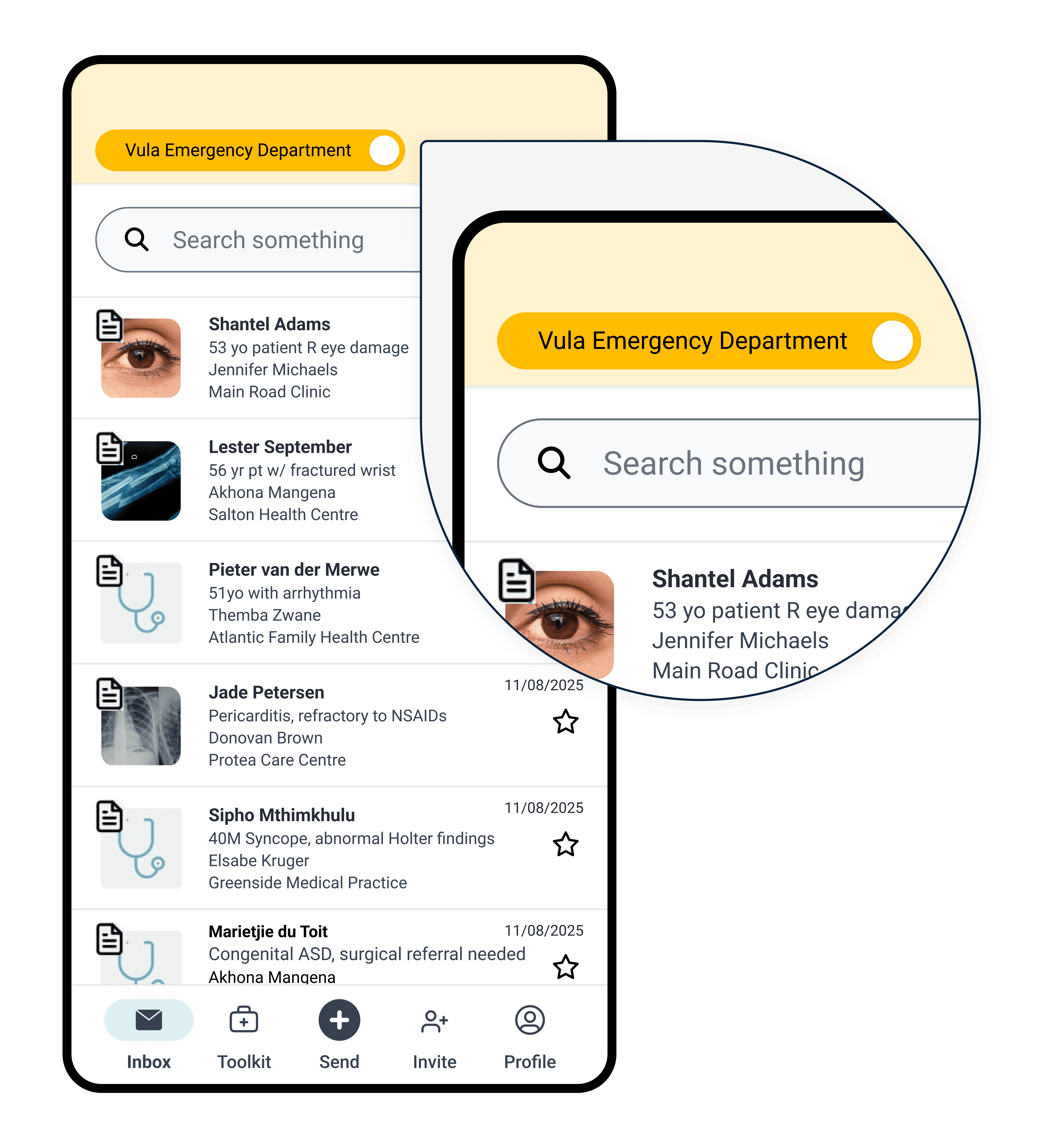
To receive referrals, someone from your department or practice needs to be on call. Vula automatically routes incoming referrals to whoever's on duty.
How to
Go on call and off duty
05
Start receiving referrals
Once you're on call, secure and structured referrals will start coming in, making it easier to care for your patients.
Why receive referrals on Vula?
Get the right clinical details
Referrals go to the person on call
Send and hand over referrals easily
For teams: Keep visibility of all practice patients
Keep patient data secure
Chat and discuss patients easily
Add photos, voice, video, and documents
Available on mobile and web
Need more help? Get in touch